
A blog based template is a good way of going about keeping a record of your portfolio. Many people are used to the system of blogging, and the key part of anything is it’s flexibility.
Essentially, each piece of evidence is a new post. In that post you can include file links, images, and annotations or descriptions. Built in to every blog system is the use of categories and tags, which can be used to track the six teaching standards, subject of the evidence, type of evidence (image, photo, resource, video, etc…) and more. These can then all be used to create archive pages or collections to showcase in your portfolio.
The big benefit to creating your portfolio online is its accessibility from anywhere, allowing you to add evidence no matter where you are. In addition to this, being able to easily share your portfolio with your principal in order to get your registration signed off is also a convenience. Another benefit is the ability to add comment, annotation, and descriptions or reflections to each piece of evidence and have it attached with the evidence permanently in one place.
There are a couple of downsides to using a blog system. The first is a matter of privacy. The thing that makes it a great system, accessibility, is also it’s downfall. Unless you go through your evidence and black out names or blur faces in photos, and moderate any comments you make in annotations, all of these things will go up online for everyone to see. Of course, there are ways of making this work, such as making your portfolio private and password protected. You will have to provide your principal with an account to view it however if you wish to share it with them.
Secondly, it requires extra work on your part. Each piece of evidence needs to be added as a new blog post, files and photos uploaded, and comments or descriptions added. This is slightly more cumbersome than just dropping files into a folder, or even adding it as a new page in OneNote – especially if you keep getting signed out!
Pros
- Accessible online from anywhere
- Easy to share with others
- Explanations, Descriptions and Reflections all easy to add to a piece of evidence and posted together.
Cons
- Privacy issues by being online
- Additional work required to add pieces of evidence
Creating a Teaching Portfolio in a blog
Getting started is actually a lot easier than you’d first imagine. The hardest part is choosing a blogging system. There are several that I would recommend.
In the end, choose one that works for you. If it’s too hard for you to use and get used to, then you’re not going to maintain your portfolio very well. The other factor to take into account is the privacy capabilities of the system – does it have private mode? Can you make posts password protected?
I’m not going to go into details of how to use each of these systems. Most of them have a simple tag and category based system, especially the first two. Instead, I’ll go through the basic setup of what you need to build the structure of your portfolio.
I’ve actually made an entire website for this purpose. You can visit it below:
Please go through and have a look at this site. It takes you through the whole set up with you, and addresses each of the issues outlined above.
- Setting up Categories
Make Your Menu
Keeping it Private
Additional Categories
Using Tags Effectively
Create Date-based Archives
Making Registration Year Ranges
Create a Guest User
Create your first piece of Evidence
Examples
Here are some examples of some blog based portfolios I’ve come across or made myself.
PTC Portfolio Template
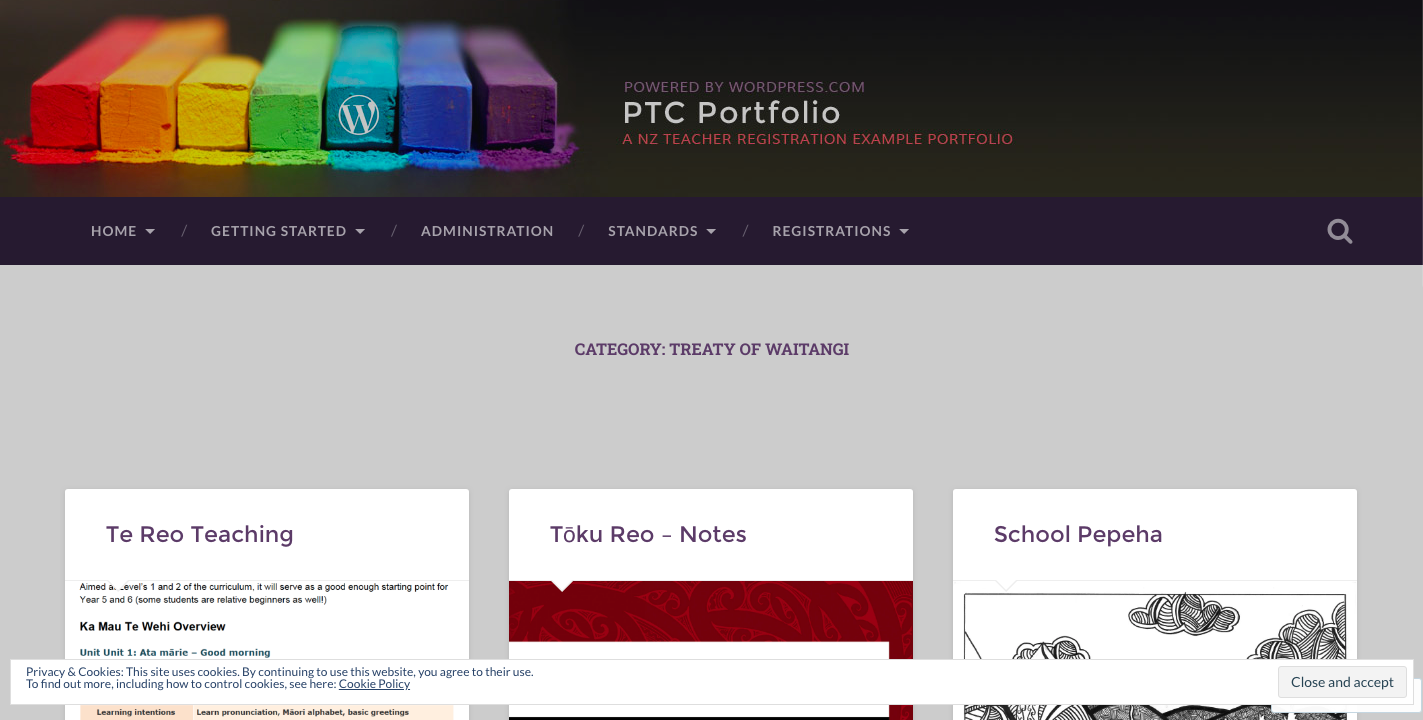
Not only is the WordPress tutorial I built above a walkthrough, but also serves as an example of what your portfolio could look like. I’ve also put in some example evidence. Go ahead and have a look through it.
ePortfolio – Google Site
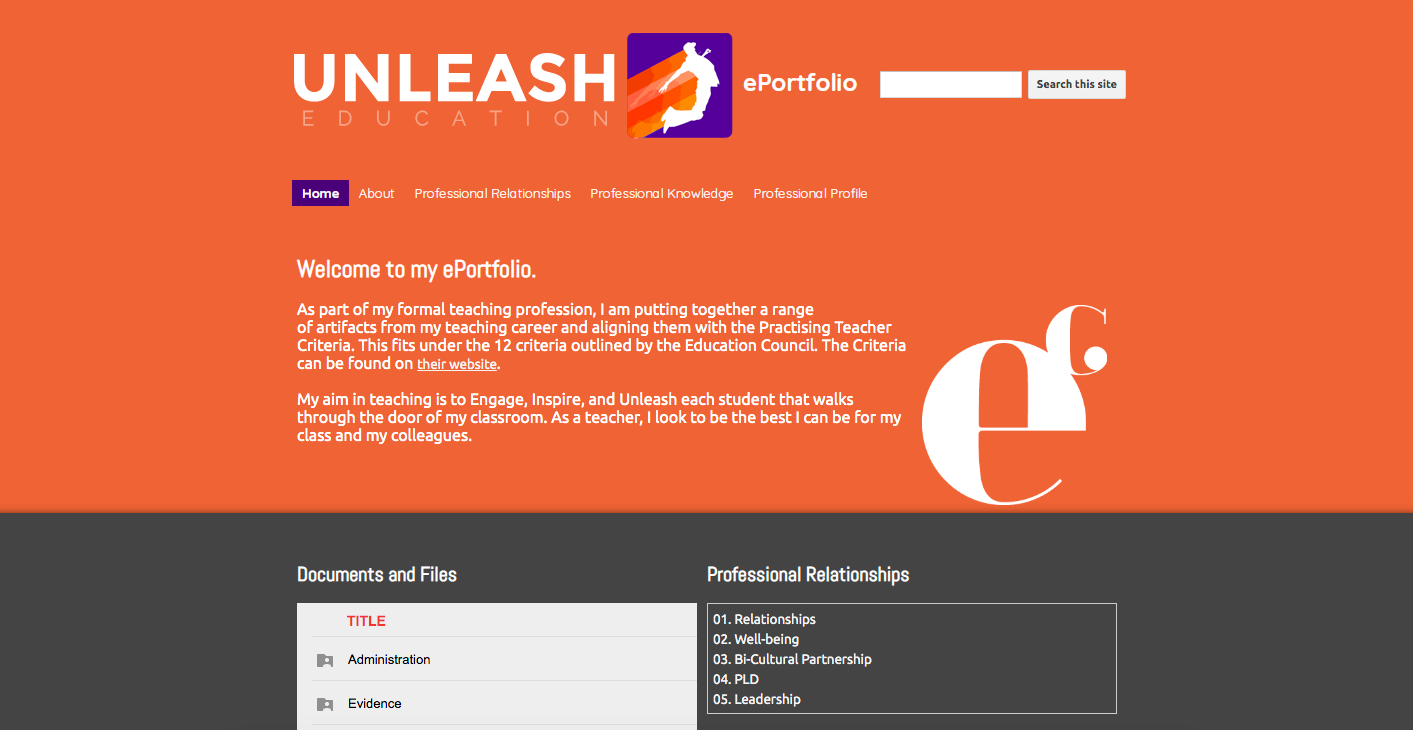
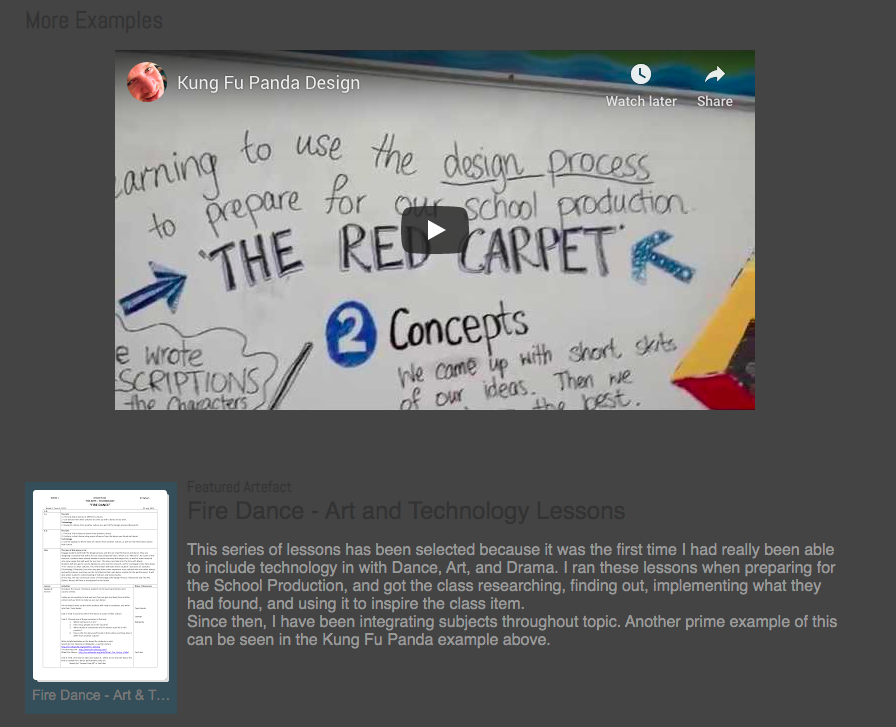
Here I used a combination of Google Drive and Google Sites. Essentially I would just add evidence into relevant folders in Google Drive and the Site would link to those folders. I could then create some featured posts to showcase some of the better pieces of evidence.