In 2018, the New Zealand Curriculum is destined to have a new addition to its subjects.
From the age of five, children will now be taught about coding, logic, problem solving, if-else statements, app making, social media analytics, and probably hacking as well.
But there is a lot, a LOT, of apprehension about this, even as a techie myself (for instance – I design websites, and have coded for much of my adult life). Put it this way; I’m not jumping up and down about this announcement.
Who?
I don’t know about you, but the first thing I asked was who is going to do this? I have met many a good soul who dedicate their lives to teaching students, but who’s computer literacy is extremely limited.
And while the content knowledge required to for Level 1 of the curriculum will be very basic, it still requires a great deal more teaching knowledge to be able to teach it effectively. What are students getting stuck on? What are the next steps? How do I solve the next problem?
Take for example Level 1 of the Reading curriculum. It’s fairly straight forward. Most, if not all (fairly presumptive, I know) adults could achieve this. Now think of the teaching knowledge you would need in order to teach it effectively. The sounds, the blends, the phonics, digraphs, vowel sounds and rules around their usage, the common pitfalls and sticking points as well as the various strategies required to assist and help students to progress to level two. And that’s just scraping the surface of teaching students to read.
Imagine the level of teaching knowledge that is going to be required to effectively teach digital literacy.
And now take that to level two, and level three of the curriculum.
My current estimate, based on my current place of employment and the various other schools I have worked in, would be that about 10% of teachers would have the skill set required to teach digital literacy if it was introduced tomorrow. And that 10% is probably generous. Most of what makes a good programmer, coder, or even just a ‘tech guru’ is the ability to solve problems. When something goes wrong, you need to know what to do to fix it, systematically, step by step, eliminating variables as you go. From experience, many teachers struggle to problem solve why their projector isn’t connecting, or why the sound isn’t working on their laptop. How do we then get to a place where teachers are teaching students even more complex problem solving when you introduce if-else statements that don’t work!
Many non-tech-savvy people turn to one demographic for help. Young people. Why? Because they’re already up with the play on technology. Their desire to explore, to learn, to develop skills with technology seems to happen automagically, and I can only see teachers and schools getting in the way of that. As well as this, I read an interesting post about ‘future-proof’ learning, predicting what the future holds for our students, and how we can’t and shouldn’t be including things in the curriculum that are a phase, or a fad.
(Note: I realise that schooling exists past primary school; but we already have specialist subject teachers at Intermediate and High School level, and so schools would merely employ a specialist ‘digital literacy’ teacher.)
How?
Another aspect that may or may not have been considered is how schools are going to teach it. You know, the practical side of it. You see; I’ve only once had to write down a piece of code on paper (during a Comp101 exam I took in Uni). It was nigh on impossible not being able to check and edit the code to improve it or to see if it worked. A lot of coding is trial and error.
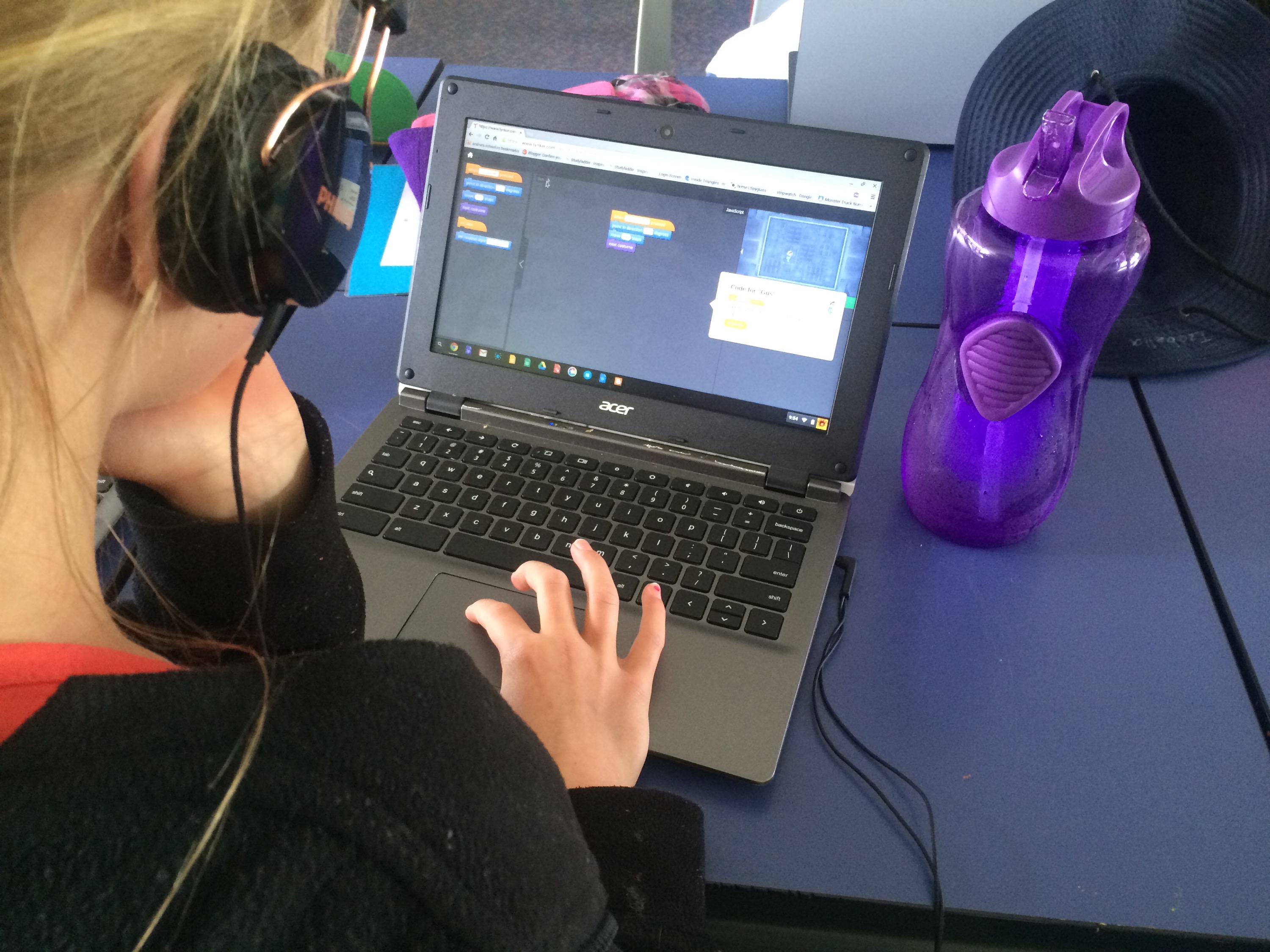
Essentially, if digital literacy is to be taught, then students will need devices. Doing it with pencil and paper will only last so long.
Now I’m not sure about your school; but our decile 2 school has only just got to the point of having 1 device between 2 in the senior school, and 1 to 4 in the junior school. Yes; we can combine sets of these devices to allow every student to have access to one, but my point is, there are lots of schools out there who wouldn’t have this level of technology in their school yet.
With more devices comes more problems. More students who run into connection issues, which in turn requires the teacher to know how to solve that problem (many of which once again, don’t know how to go about doing this on their own laptops as it is).
When?
Ultimately though, when are teachers going to fit this in? Or is it going to be integrated throughout the day? I guess that comes down to the individual teacher. But I know for one, I would love to spend more time teaching students how to use the Chromebooks, how to code a website, and more; but the reality is that I have a hard enough job covering the rest of the curriculum sufficiently, as well as the ever increasing demand on Maths, Reading, and Writing, without adding more to that workload.
Gripe
Don’t get me wrong. I’m not having a go at my colleagues or other teachers. They all have strengths and are all marvellous teachers. I merely see a massive gap between adding a subject to the curriculum and the current knowledge of those that have to deliver content about that subject. Massive gap.
I can see my job as a tech-savvy teacher becoming more than it already is, as I can see me having to assist with other classes tech problems more than I already do, provide support for when tech devices go wrong, and provide ongoing P.D. as teachers encounter problems or inspiration that they want to explore.
Once again – not sure when I’m going to actually get to teach my own class.