From the first day of full time employment at a school, I was put in charge of “Technology”, not for my design process skills, but for my knowledge of ICT and computers. I became the go to guy in fixing problems with teacher laptops, sound systems and projectors. That soon became student Chromebooks and student iPads. Of course, the school had external support as well, but having someone onsite is incredibly convenient, especially when ICT can be problematic at the drop of a hat, and is becoming more and more relied upon by teachers to bring learning to today’s learners.

You’d think I’d be incredibly excited and enthusiastic about the announcement of the new ‘digital curriculum’ being implemented around the country in 2020. What an opportunity to share my passion and knowledge of ICT with the next generation and prepare them for the world of tomorrow as we delve deeper into the digital age.
However, I’m not.
You see; I’m also a self-taught programmer myself. I design and code websites. This site was built by me, though largely a theme, it has been modified to suit my own tastes and coded to reflect that. I have built my own personal website from the ground up on the back of WordPress. I dabble in CSS (with SASS / LESS), PHP, HTML, and Javascript.
There’s not many teachers (especially primary school) who can say that!
I know that behind every code, there is a whole bunch of trial and error, refreshing, and testing. Programming is largely just problem solving.
My issue is that in my current job, that we are having trouble enough teaching students to read, write, and do math, let alone be able to create a simple script that includes tags, if/else statements, or simple calculations.
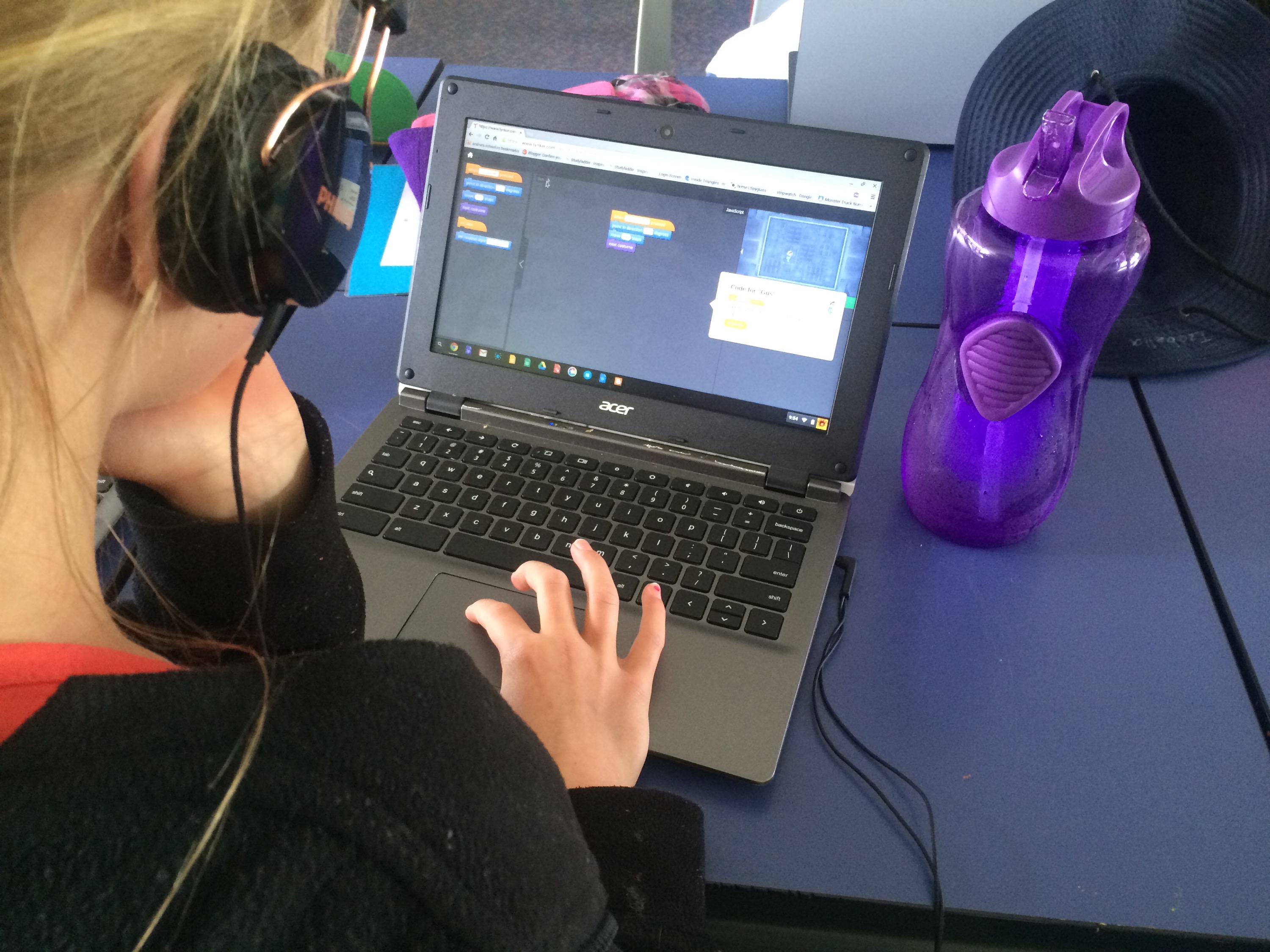
In 2015, I taught a class with one-to-one Chromebooks, and we spent the first term learning how to spell our last names, because the school email address for students is firstname.lastname@schoolname.ac.nz.
Then it was time to remember our passwords.
Sure, the curriculum itself isn’t going to be getting students to create complex code or learn any particular language, just like Year 1 students won’t be learning their 8 times tables. However, it would seem to me that certain priorities need to be addressed first – such as basic literacy and numeracy skills. Something tells me that for many students, it will become a matter of running before they can walk.
My other gripe is that the Ministry can announce a digital curriculum and implement it within a few years, and yet there still isn’t an actual Māori / Te Reo Māori curriculum. I guess it shows where the priorities are.
Fun and Games?
So then, what will they be doing? And will it be at all relevant to what they need in the future? Or is it all just a little bit of fun and games and doing something “cool”?
The curriculum document says:”
In years 1–8, these two areas are usually implemented within other curriculum learning areas, integrating technology outcomes with the learning area outcomes. These two areas also significantly contribute to students developing the knowledge and skills they need as digital citizens and as users of digital technologies across the curriculum. They also provide opportunities to further develop their key competencies.
It goes on to outline exactly what “Computational thinking for digital technologies” and “Designing and developing digital outcomes” mean for the students, and a lot of it is around raising awareness of what computers are capable, what their limitations are, what problems can be solved with them, and what possibilities there are. It ranges from programming to digital media and safety online.
So it might not all be so doom and gloom – especially considering that for the most part, I already try to integrate digital technology throughout all other areas of learning.
Those of you who have ever been around children and technology, you’ll know at how quickly they pick things up and run with them. I remember my 2 year old nephew taking photos on my phone and then flicking through them all after he’d taken some!
Are you Ready?
I have to give the Ministry some credit here too. Unlike National Standards where they were inflicted upon us without any kind of preparation or support, they have gone above and beyond to provide schools with resources and support through their Kia Takatū ā-Matihiko – Digital Readiness programme. Schools wanting to up-skill and get on board with the new digital curriculum should head over there now and check out the resources on hand to support you and your staff in getting up to speed with the new curriculum area.